

How to Tame a Tangled Tech Drawer Without Buying a New Cabinet
Every house has one. The drawer where chargers go to die. Three Lightning cables tangled into one impossible knot, two USB-C cables you cannot tell apart, an Apple Watch charger that has not been used in two years, four random AC adapters, a single AirPod, and the manual for a printer you no longer own. You open it to find a charger and close it angrier than you started.
I went through this exact ritual every morning for about a year before I finally sat down and fixed it in 90 minutes. No new cabinet. No big organization system. Six small product fixes that solved the specific frustrations one at a time. If your tech drawer is making you crazy, here is the playbook.
The "Three Cables Tangled Into One" Problem
This is the central crime of every tech drawer. Loose cables tangle into each other within minutes of being put away, and untangling three cables takes longer than just buying new ones. The fix is the smallest, cheapest tool on this list, and it solves more chaos than anything else.
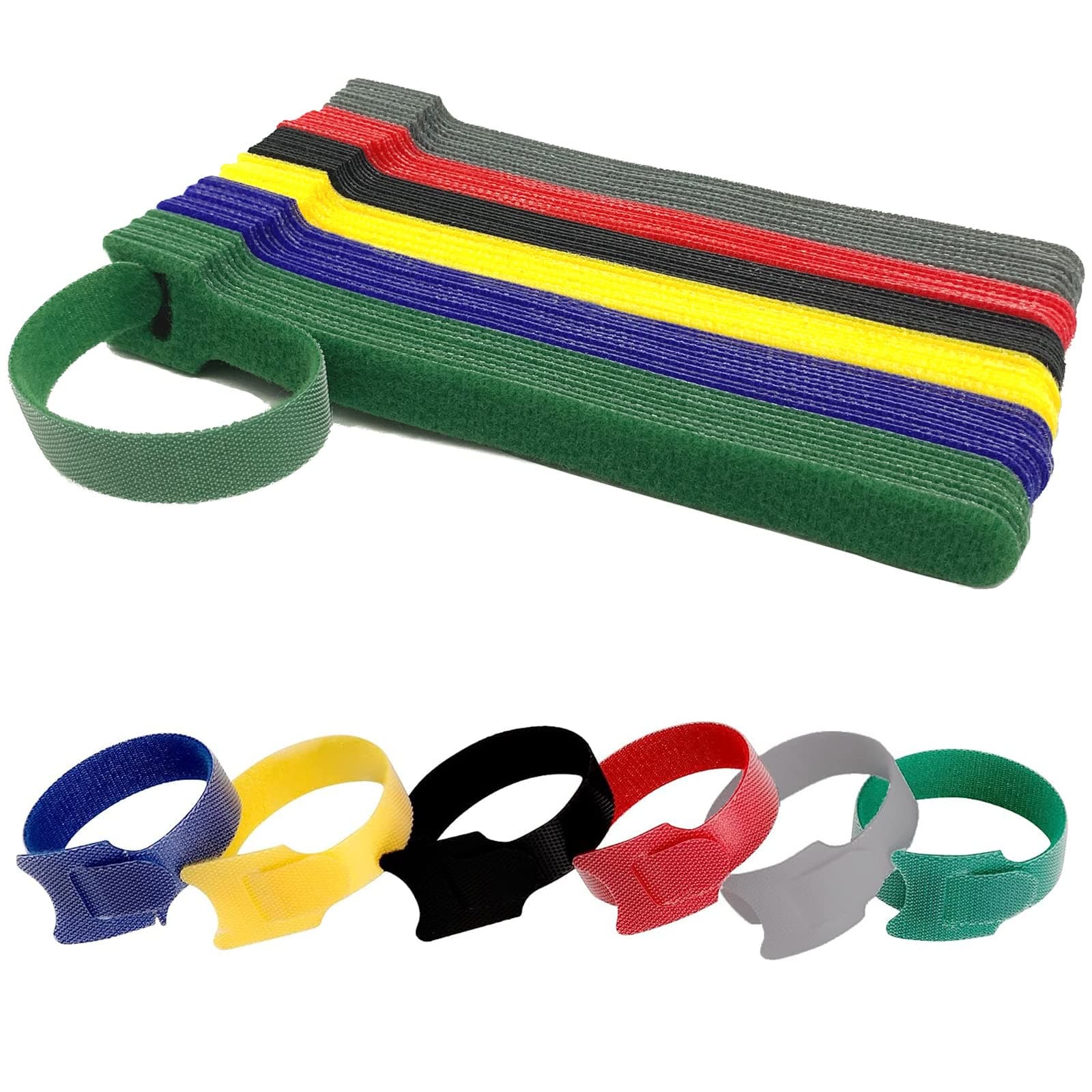
Velcro Reusable Cable Ties
$8
Reusable hook-and-loop cable ties. Pack of 60 in assorted colors. 6-inch length. Adjustable for any cable thickness. Cuttable to size.
Coil each cable, wrap a velcro tie around it, done. Color-code by cable type if you want to be fancy (red for Lightning, blue for USB-C, black for HDMI), or just wrap them and move on. The 60-pack is enough to organize every cable in the entire house, and the reusable part means you can re-coil them after you actually use one. This single $8 product solves about 70% of the tech-drawer problem.
The "I Cannot Tell Which Charger Is Which" Problem
Once your cables are coiled, the next problem is that all your chargers look identical. There are eight white blocks, four black blocks, and zero way to know which one belongs to which device. A label maker fixes this in five minutes per item.

Handheld Label Maker with Tape
$28
Battery-powered handheld label maker. Includes one tape cartridge. QWERTY keyboard. Backlit display. Prints in three font sizes.
You do not need a fancy Bluetooth label maker for this job. The handheld kind with a real keyboard is faster for short labels (which is the only kind you need for a tech drawer). Label every charger by the device it goes with: "iPhone 15," "MacBook," "Kindle," "old Bose speaker." Once they are labeled, you stop pulling out the wrong one, and the drawer suddenly makes sense at a glance.
The "Everything Slides Around" Problem
The reason the drawer becomes a tangle in the first place is that nothing has a designated spot. Open the drawer, things shift. Close it, things shift again. Drawer dividers create dedicated lanes for each category, and the dividers are the difference between "organized for a week" and "organized for a year."
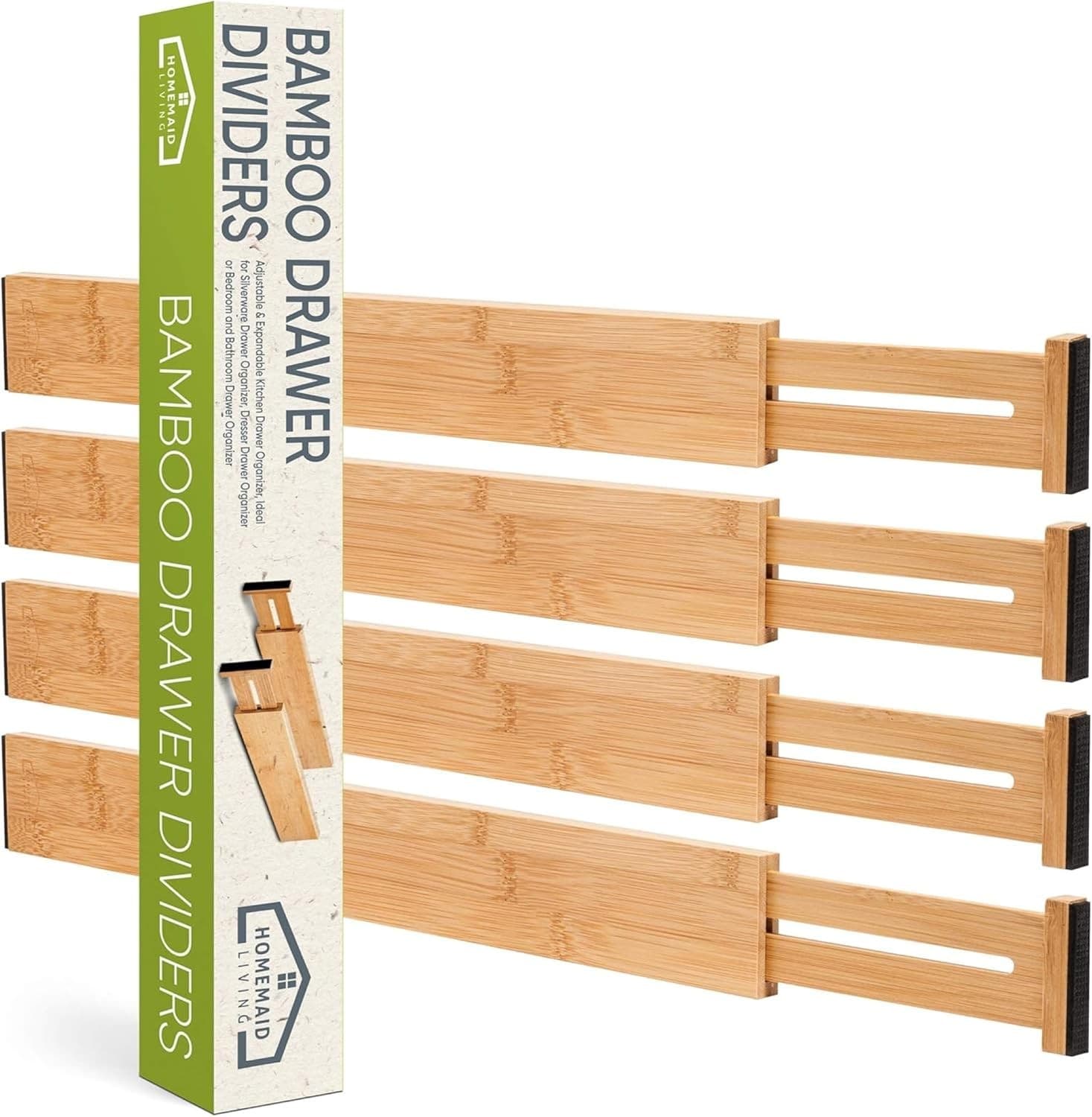
Adjustable Bamboo Drawer Dividers
$22
Set of four expandable bamboo drawer dividers. Adjusts from 13 to 17 inches. Spring-loaded for tool-free install. Works in drawers 2.5 inches deep or deeper.
The spring-loaded part is what makes these worth buying. They go in tool-free, hold their position with friction, and come right out if you want to rearrange. Use them to make four lanes: cables, chargers, dongles/adapters, batteries and small electronics. Once each category has a home, you stop dumping random things into the drawer and start putting them away.
The "Loose Adapters and Dongles Everywhere" Problem
Even with dividers, small adapters (USB-A to USB-C, HDMI to mini-HDMI, the random Apple dongle) end up in a heap. A small bin within the drawer collects them in one spot so you can see what you have without digging.
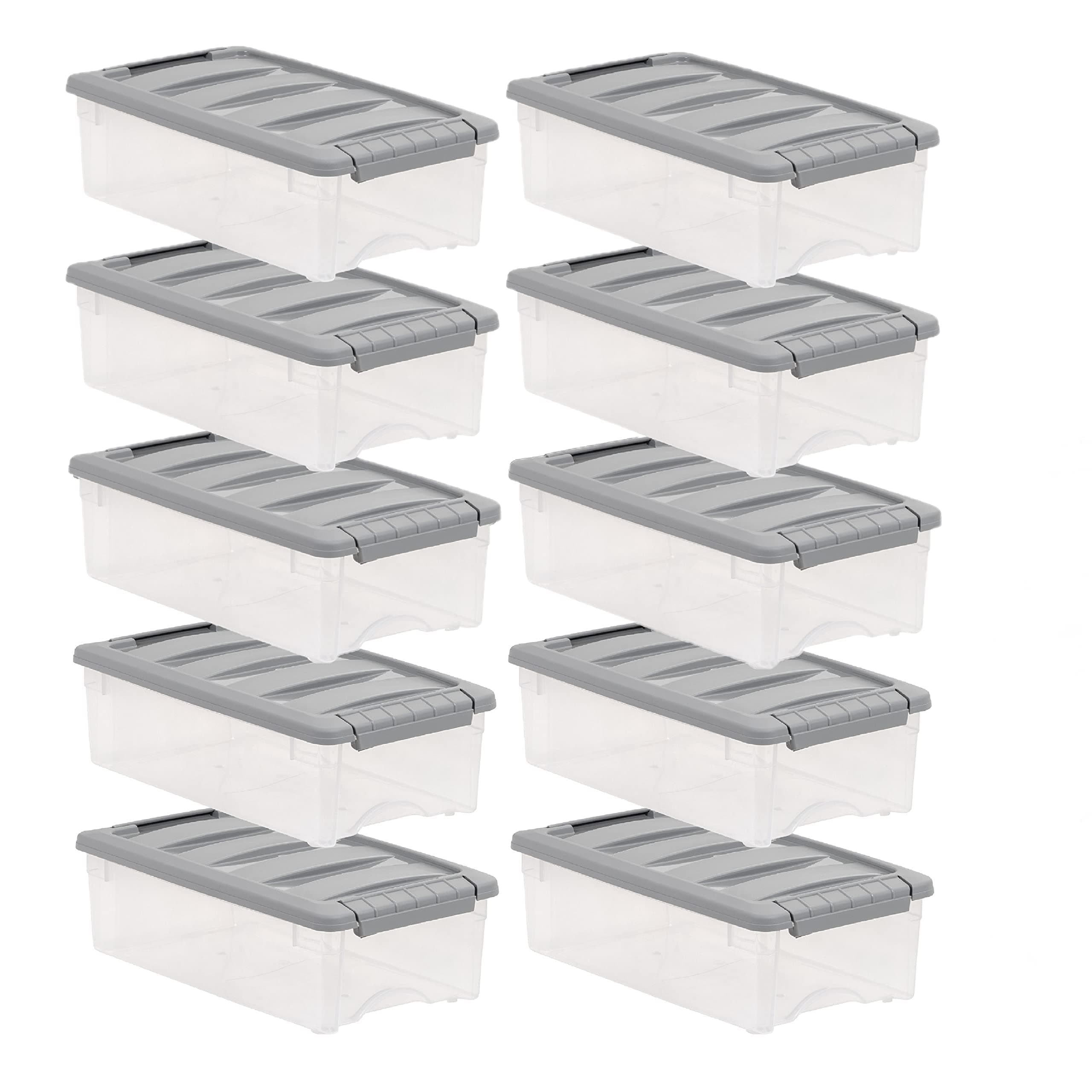
Stackable Clear Storage Bins
$16
Set of four small clear plastic bins. 6 by 4 by 3 inches each. Stackable. Drawer or shelf use. BPA-free.
The clear plastic is the key. You can see exactly what is in each bin without pulling them out, which means you actually use what you own instead of buying a fifth USB-C cable because you forgot you had four. Use one bin for adapters, one for batteries, one for spare AirPods cases or earbuds, and one for warranty cards and important manuals.
The "My Cables Need a Home That Is Not the Drawer" Problem
If your tech drawer is full and you have an additional pile of cables (HDMI, ethernet, longer charging cables, the cord for the printer you do not love but cannot get rid of), a dedicated cable management box on a shelf or in a closet handles the overflow without taking drawer space.
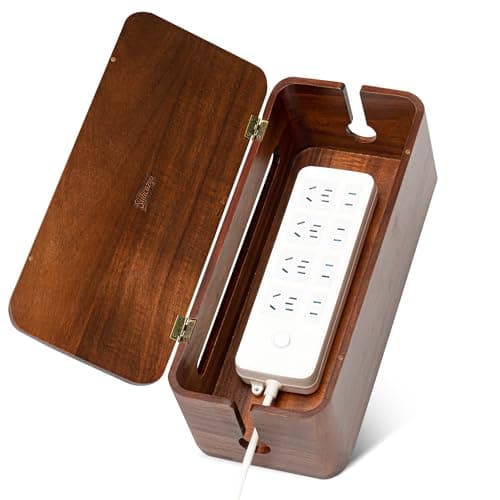
Acacia Wood Cable Management Box
$36
Acacia wood lid over a black plastic cable box. 13 by 5 by 5 inches. Side cutouts for cords. Hides power strips and cables. Suitable for desk or shelf.
The acacia top is what makes this look like a piece of decor instead of a plastic bin. It is sized for a standard power strip plus a tangle of cords, so you can hide your modem cord, the surge protector, and three or four of the longer cables that do not fit in the drawer. Park it on a low bookshelf or under a console table.
The "I Need a Daily Charging Spot" Problem
Some of the cables in the tech drawer are not orphans. They are cables you actually use every day, and the reason they are tangled is because they should never have gone in the drawer at all. A small charging caddy on a counter or desk gives them a home outside the drawer entirely.
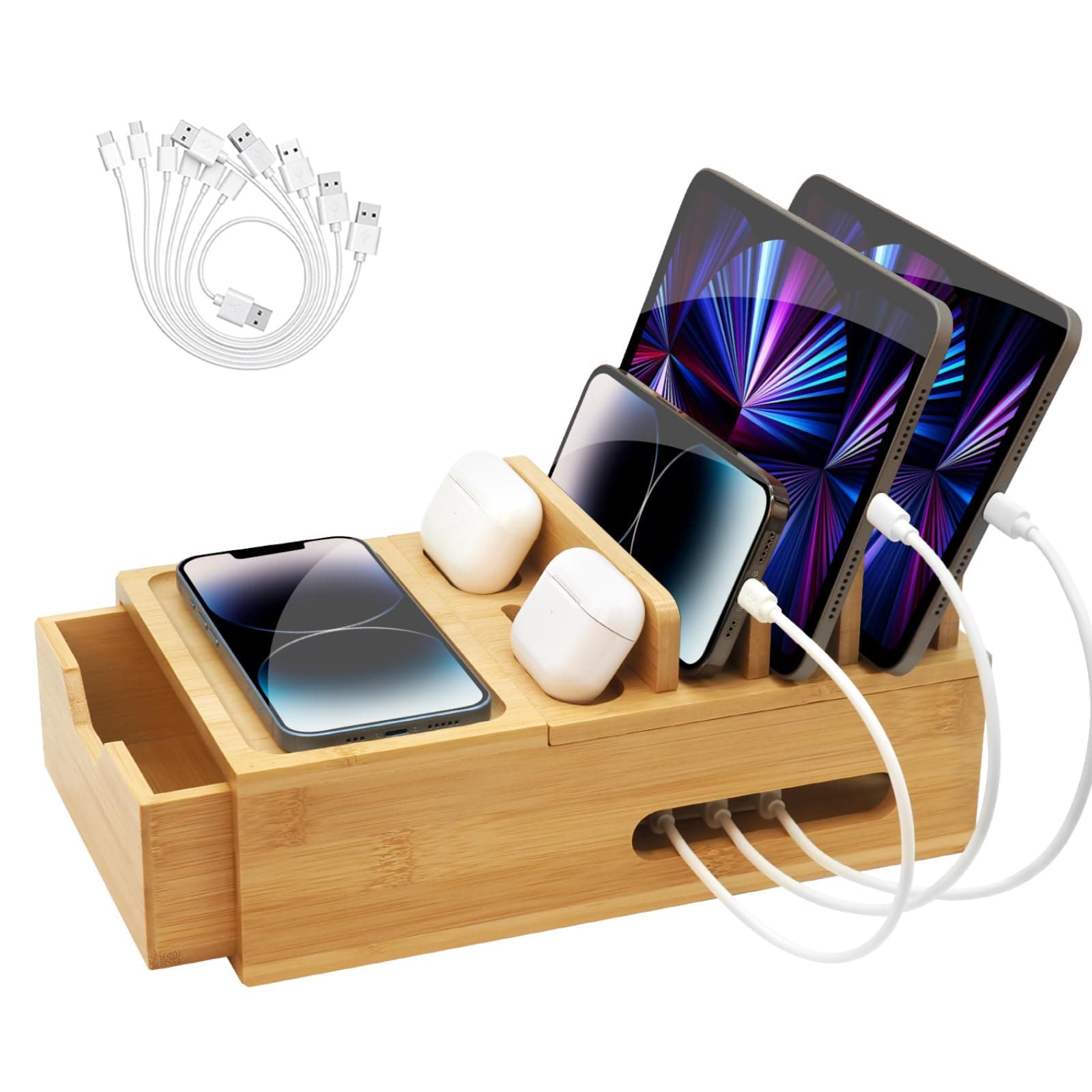
Bamboo Charging Station Organizer
$32
Bamboo charging dock with five vertical slots for phones and tablets. Built-in cable channels. Compatible with most phones in cases. Handmade finish.
The five vertical slots are the part that makes this the daily-driver of small tech organization. Each device gets a slot, each cable gets a channel, and you stop pulling chargers in and out of the drawer because the cables you use every day live somewhere visible and accessible. The drawer is now reserved for backup cables and the chargers you actually only use occasionally.
What to Skip
A giant tech storage cabinet. You do not need new furniture for this. The whole point of this guide is that the drawer you already have can do the job.
Cable boxes that are too pretty to use. If a "cable box" is actually a wooden art object with one tiny side hole, it will not fit a power strip and you will give up.
Color-coded cable kits with 100 cables. Reorganize the cables you already own first. If you genuinely need more, buy them after, not before.
A label maker that requires an app. For tech drawers, the handheld kind with a keyboard is faster than launching an app every time you want to label a charger.
A tech drawer does not need a renovation. It needs five small product fixes, 90 minutes, and the willingness to throw away the cables that no longer go to anything you own. Start with the velcro ties. The rest follows.
Found something you love? Pin this for later so you don't lose it!
Affiliate Disclosure
This post contains affiliate links. Haven & Home may earn a commission on purchases made through these links, at no extra cost to you. We only recommend products we genuinely love.
You Might Also Love
 Organization
The Best Toy Storage Bins That Don't Look Like a Daycare
Toy storage in the living room does not have to ruin the aesthetic. These bins are functional enough for real use and nice enough to leave out.
 Organization
4 Under-$25 Swaps That Turn a Dump Drawer Into a Functional One
Under $25 each and your junk drawer finally closes. Four small swaps — bamboo organizer, clear dividers, pen caddy, and cushioned liner — that fix the chaos.
 Organization
How to Stop Tripping Over Shoes Without Buying More Furniture
Shoe piles at the door are a solved problem — and none of the solutions require a new bench or cabinet. Six options that work in real entryways.