

A Beginner's Guide to a Charging Station That Looks Good
Throw out the power strip. A tangled mess of cords on your kitchen counter is not a charging station — it's an eyesore you've been tolerating. Every phone, tablet, and laptop in your house deserves a real home, and your surfaces deserve to be clear.
The good news: setting up a charging station that actually looks put-together doesn't require a renovation or a cabinet full of custom millwork. You need the right products in the right spots, and most of them cost less than $45. Here's exactly how to do it.
What to Look For in a Charging Station
Before you buy anything, run through this quick checklist:
- Number of devices. Count every phone, tablet, earbuds case, and smartwatch in your household. If you have 4+ devices, a multi-port hub is non-negotiable.
- Surface style. Bamboo and wood finishes look at home in most kitchens and bedrooms. Black or white plastic blends into office setups.
- Cord access. Some stations have built-in slots to thread cables through neatly. This is the difference between tidy and still-messy.
- Wireless vs. wired. Wireless pads work great for phones but won't charge laptops or older devices. Know what you need before buying.
- Where the cords go. A charging dock without a plan for the power strip and cable tangle underneath it just moves the problem.
Best Budget Pick
The bamboo charging station that earns its counter space
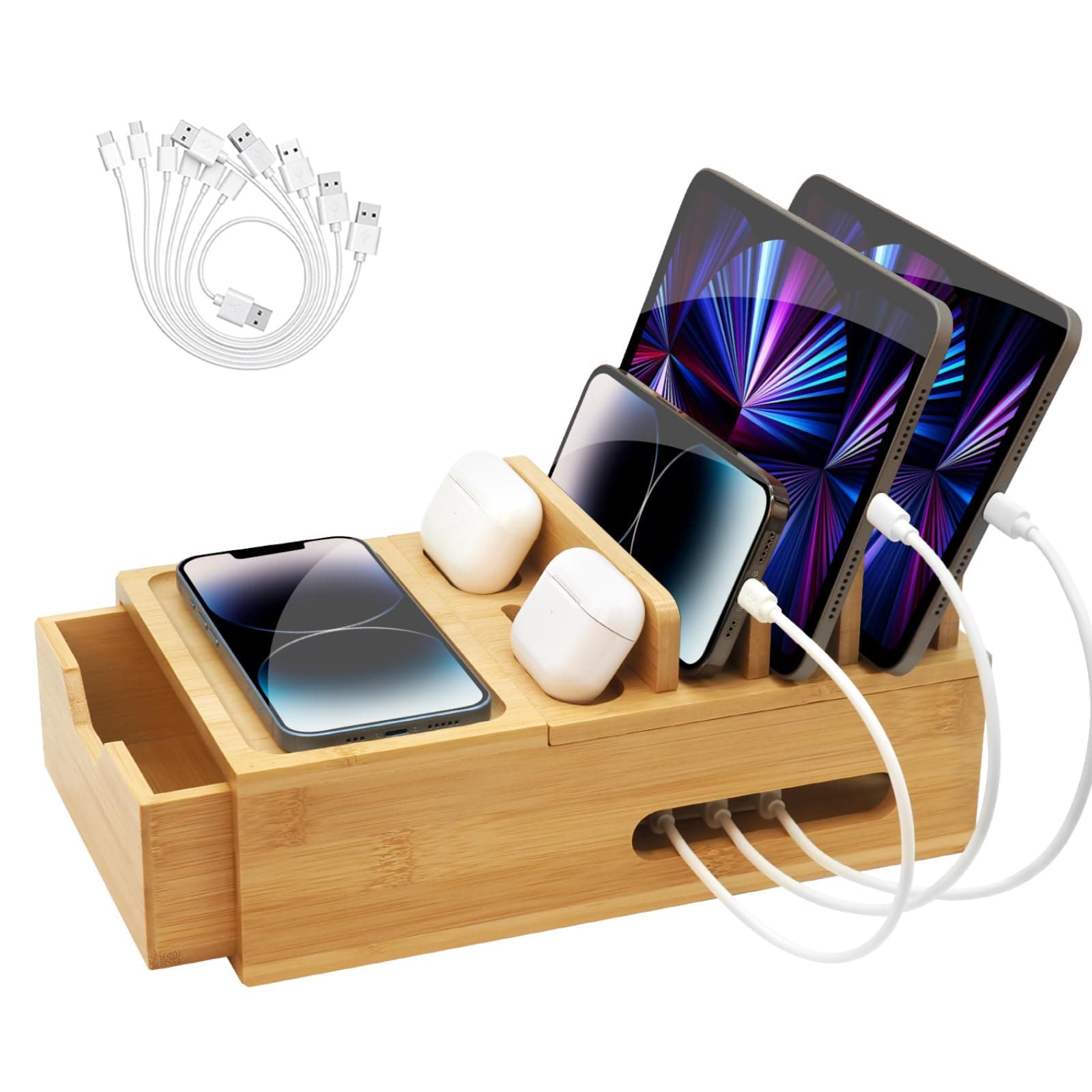
Bamboo Charging Station Organizer
$32
6-slot bamboo organizer with 5 USB-A ports plus 1 USB-C. Fits most phones, tablets, and earbuds cases. 12 inch wide footprint.
This is the one you'll actually keep on your counter and not feel embarrassed about. The warm wood finish reads more "intentional home decor" than "I gave up on cords." Six slots keep devices upright and separated, and the USB hub means a single power cord running to your outlet instead of six. At $32, it's the most-bought style in this category for a reason.
The one honest downside: the USB ports are USB-A, so if you have a newer iPhone or Android that charges faster with USB-C, you'll want a USB-C cable adapter or look for a version with mixed ports.
Best for Families
Handle 5+ devices at once without chaos
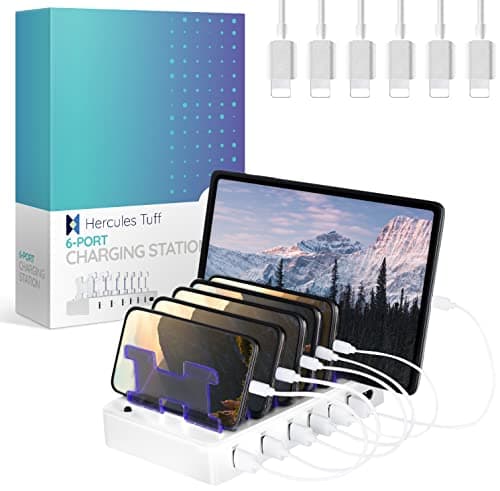
Multi-Device Charging Dock Station
$38
10-port USB charging hub with smart chip for fast charging. 12 inch wide desktop dock. Works with phones, tablets, earbuds, and more.
If you've got three kids with devices plus two adult phones plus a smartwatch, you need ports — and a lot of them. A 10-port charging dock runs everything from one outlet and has smart charging built in, which means it senses what each device needs and adjusts the power so nothing gets fried. The dock style without vertical divider slots works better for tablets since it lays them flat or at a low angle.
Best Looking
Hide the ugly part — the power strip and cable mess
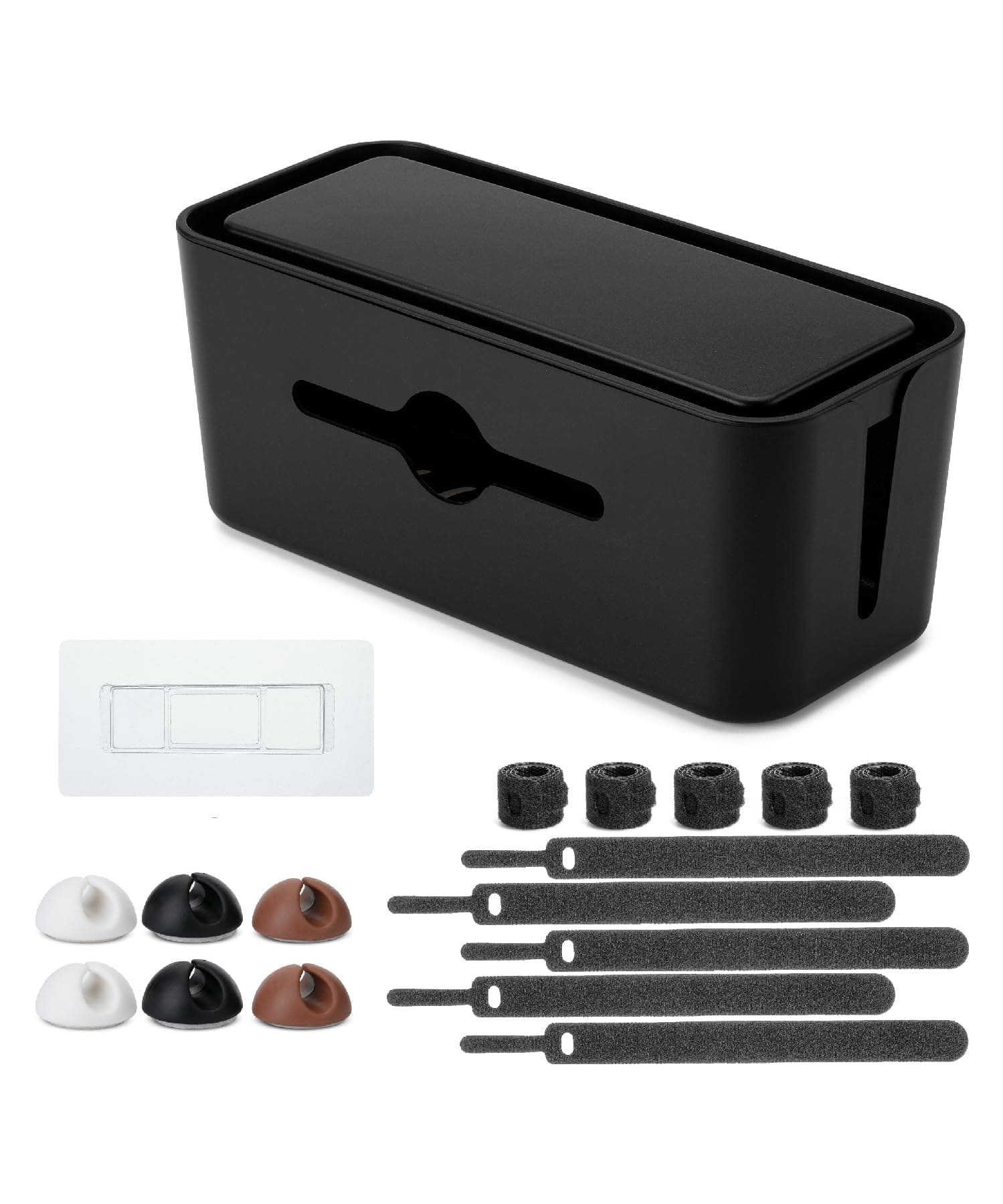
Cable Management Box Cord Organizer
$22
Large cord hider box with 2 cable entry holes. Fits a standard power strip inside. 14.5 inch long, available in black or white. Lid snaps shut.
Here's the hack most people skip: even if you buy a beautiful bamboo charging dock, if your power strip and cord tangle are sitting in plain sight underneath it, the whole thing still looks messy. A cable management box fixes that completely. Drop your power strip inside, thread your device cables out through the slots, snap the lid shut. From any normal viewing angle, you see a clean white or black box — not a rat's nest. At $22 this is the single highest-impact thing you can add to any charging setup.
Most Versatile
The no-cable option for your nightstand
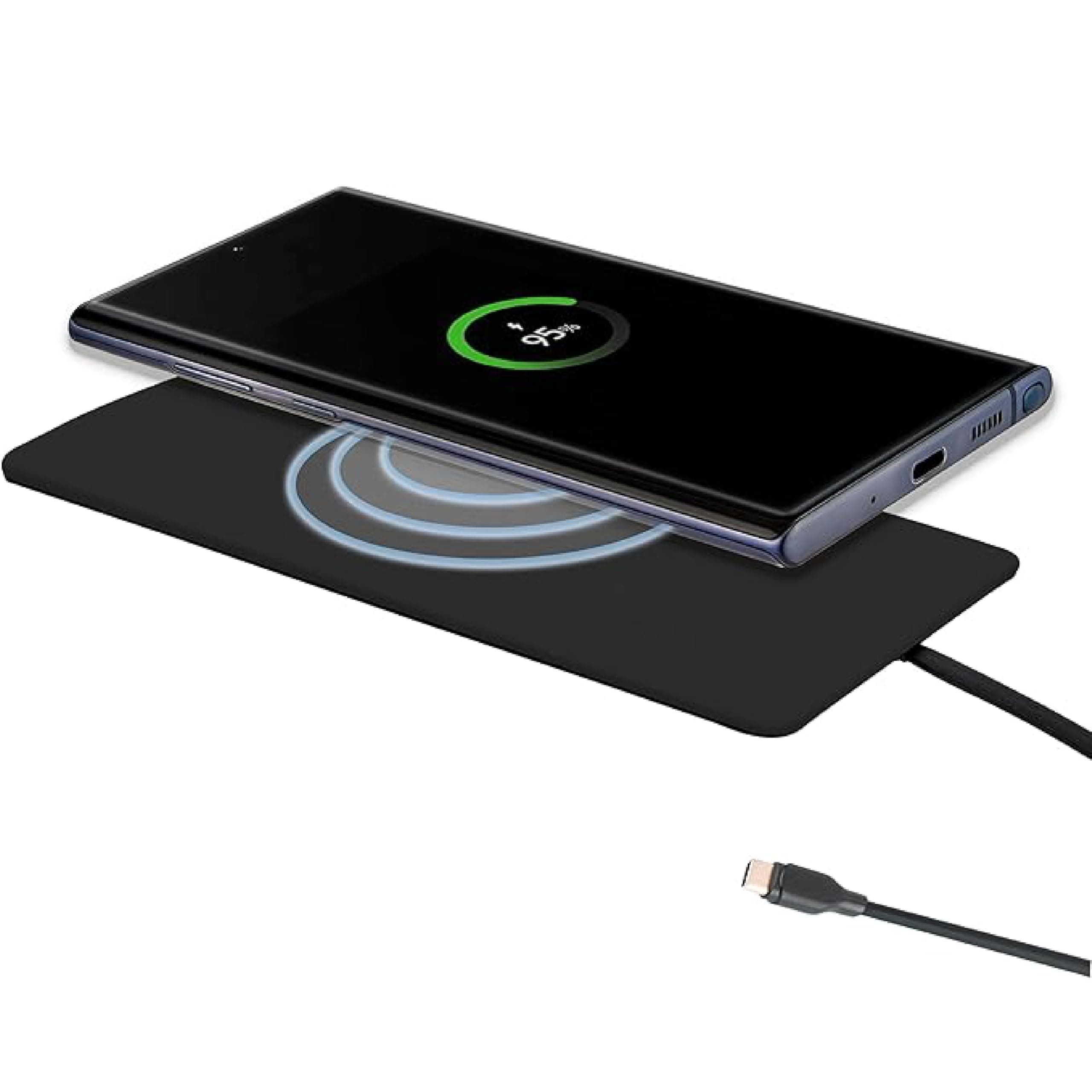
Wireless Charging Pad Fast Charge
$19
10W fast wireless charging pad compatible with iPhone and Android Qi devices. Slim profile under 0.3 inch thick. LED indicator light.
For your nightstand specifically, a wireless charging pad is the cleanest-looking option by far. One cable runs to the pad, your phone sets on top — that's it. No fumbling with a charger in the dark. The 10W output charges modern iPhones and Android phones at full speed. At $19, grab two: one for the nightstand and one for your desk.
Most Compact
For under the desk where cords go to die
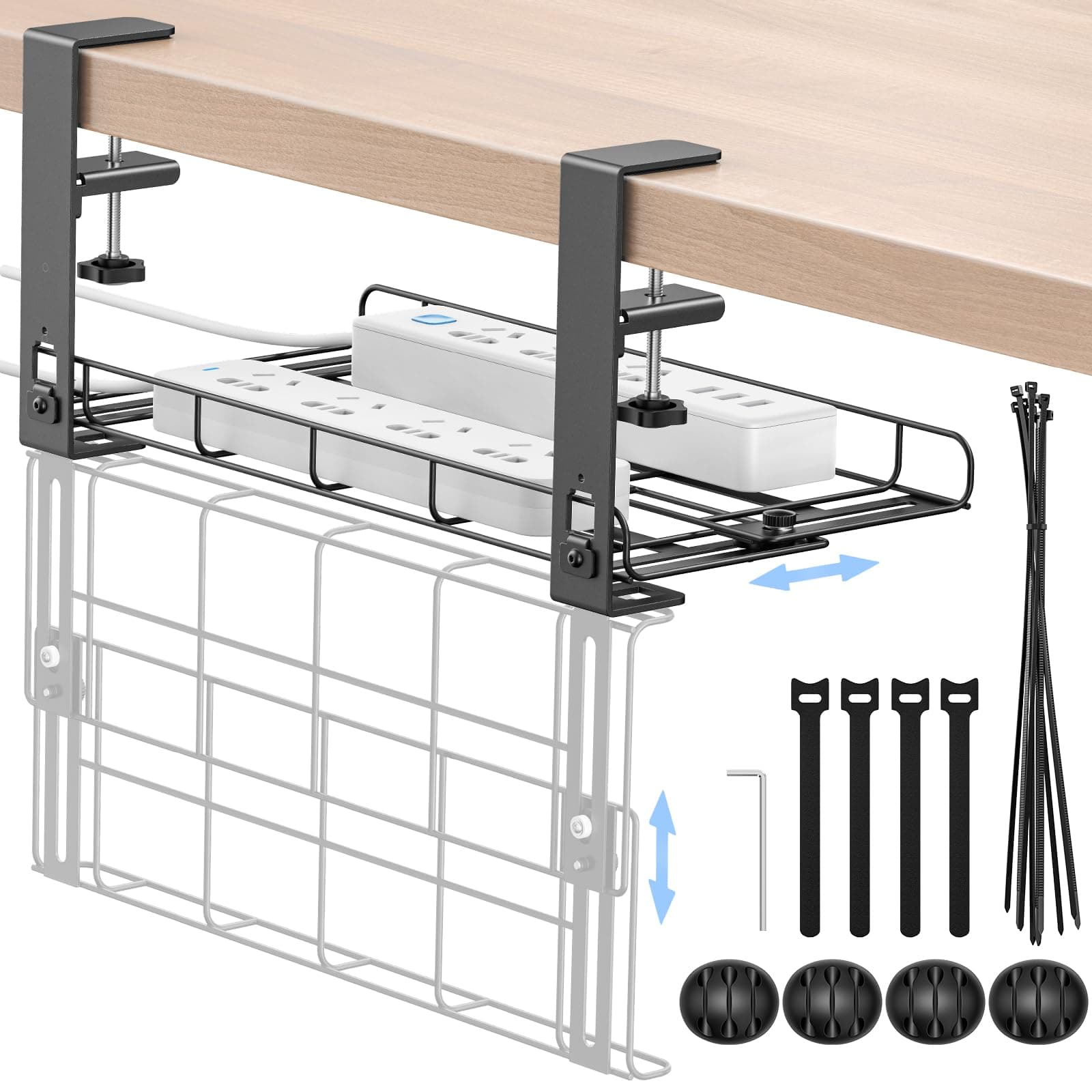
Under-Desk Cable Management Tray
$28
Metal under-desk cable tray with mounting hardware. 15.7 inch long, holds power strips and cable bundles out of sight. No tools required for some surfaces.
If your charging zone lives at a desk and you're constantly kicking or tangling cables underneath it, mount a cable tray to the underside. Your power strip, excess cable length, and everything else sits in the tray — invisible from above or from the front. Takes about 10 minutes to install with the included hardware, and immediately makes your whole desk look twice as clean.
For the Final 10%
Label your cords so they actually stay organized
Cord Label Clips Cable Organizer Set
$9
36-piece reusable silicone cord label clips. Write directly on the tag with a marker. Works on cables from 0.1 inch to 0.6 inch diameter.
$9 and it solves the "which charger belongs to whom" argument permanently. Wrap a silicone label clip around each cable, write a name or room on it with a marker, and you're done. In a family charging dock with 6 slots, you'll know at a glance whose cable is whose. These also work on cords that run from your power strip so you can identify them before unplugging.
How to Choose the Right Setup
If you're starting from scratch: buy the bamboo charging station for the counter, a cable management box to hide the power strip below it, and cord labels to keep everyone's cables straight. That combination runs you around $63 and covers 95% of home setups.
If you have a nightstand situation: a wireless charging pad and nothing else. Clean, no cables, works while you sleep.
If your desk looks like a server room: start with the under-desk cable tray. You'll want to deal with the hidden mess before you think about what sits on top.
Quick Tips
- Run your main power cord along the wall to the nearest outlet rather than across open floor
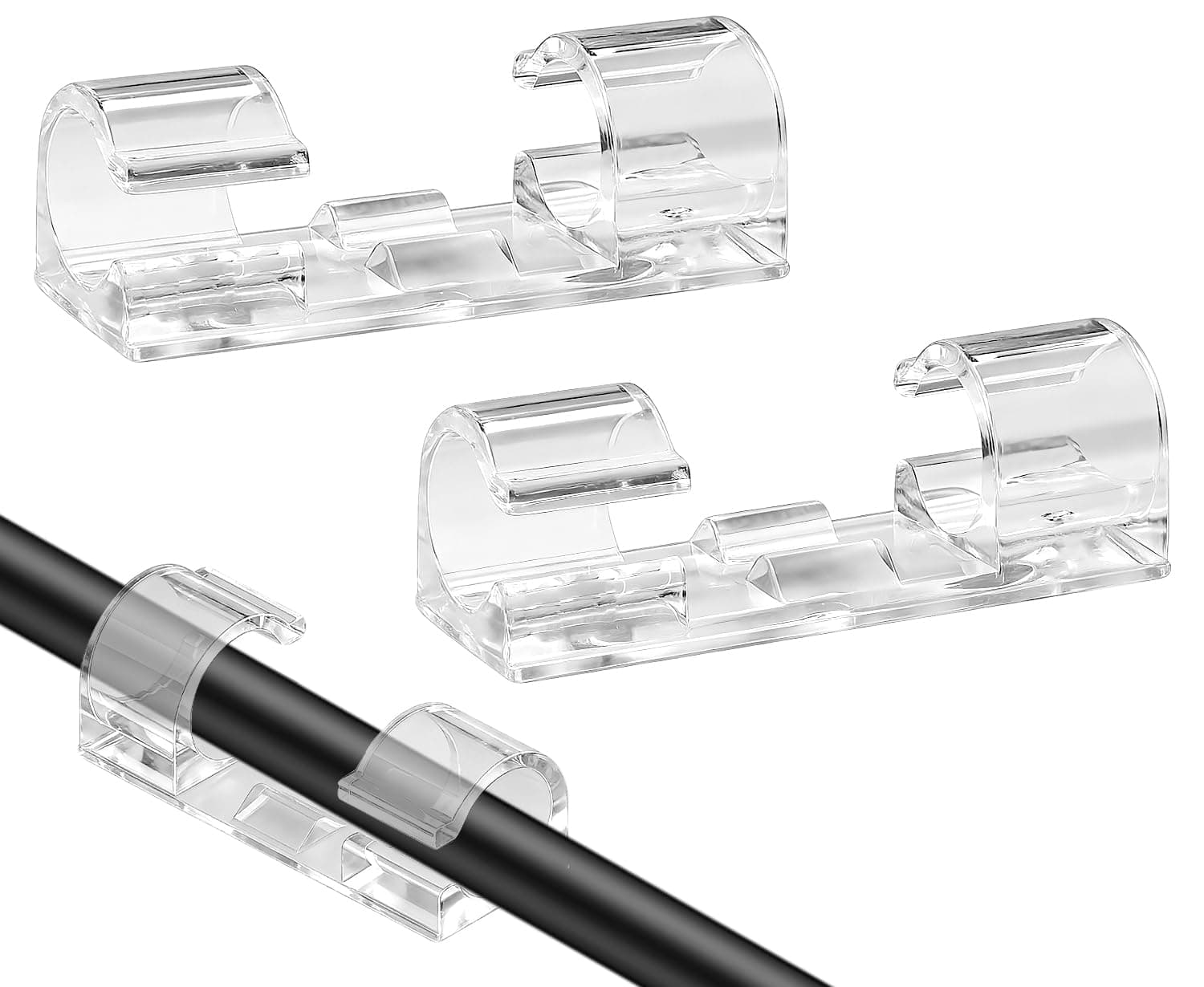
- Use cable clips (self-adhesive, available for a few dollars) to route cords along the back edge of your desk or counter
- A bamboo charging dock looks better with matching charging cables — black or white cables instead of a mix of colors
- Charge overnight in one location instead of room to room so you always know where your devices are in the morning
- If kids are involved, label slots by name, not just cables — they'll put their device in the wrong spot otherwise
Found something you love? Pin this for later so you don't lose it!
Affiliate Disclosure
This post contains affiliate links. Haven & Home may earn a commission on purchases made through these links, at no extra cost to you. We only recommend products we genuinely love.
You Might Also Love
 Organization
The Best Toy Storage Bins That Don't Look Like a Daycare
Toy storage in the living room does not have to ruin the aesthetic. These bins are functional enough for real use and nice enough to leave out.
 Organization
4 Under-$25 Swaps That Turn a Dump Drawer Into a Functional One
Under $25 each and your junk drawer finally closes. Four small swaps — bamboo organizer, clear dividers, pen caddy, and cushioned liner — that fix the chaos.
 Organization
How to Stop Tripping Over Shoes Without Buying More Furniture
Shoe piles at the door are a solved problem — and none of the solutions require a new bench or cabinet. Six options that work in real entryways.